
💰 How to Cash Out at GAMBITCITY3 – Withdraw Your Winnings with Ease
Leave Comment/ By H /April 30, 2025
✅ Step 1: Log In to Your Account
Go to the official GAMBITCITY3 website and log in with your username and password.
✅ Step 2: Click on “Cash Out” or “Withdraw”
Once you’re inside your account dashboard, look for the “Cash Out” or “Withdraw” button. Click it to begin your withdrawal request.
✅ Step 3: Choose Your Preferred Payout Method
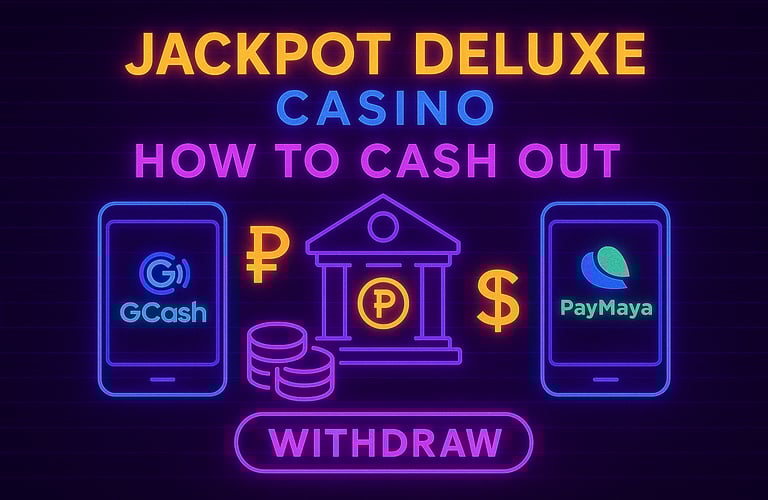
We offer fast and secure withdrawal channels such as:
GCash – Near-instant fund transfers
PayMaya – Fast, trusted mobile wallet
Bank Transfer – Direct deposits with strong security
Pick the option that best fits your needs.
✅ Step 4: Enter Withdrawal Details
Input the amount you'd like to cash out and fill in any necessary account information. Double-check your details before confirming to avoid delays.
✅ Step 5: Submit and Wait for Confirmation
Once submitted, your withdrawal request will be processed shortly. Most payouts are completed quickly, depending on the selected method.
⏱ Pro Tip: Make sure your account is fully verified for faster processing!
💬 Need Help?
Our 24/7 customer support team is available anytime to assist you with your withdrawal or answer any related questions.
🎉 With GAMBITCITY3, winning is fun—and cashing out is even easier.
Withdraw your rewards confidently, securely, and without hassle—because your success should feel just as smooth as your gameplay.
Get in touch
Let's Talk
info@gambitcity3.net


ALL RIGHTS RESERVED 2025