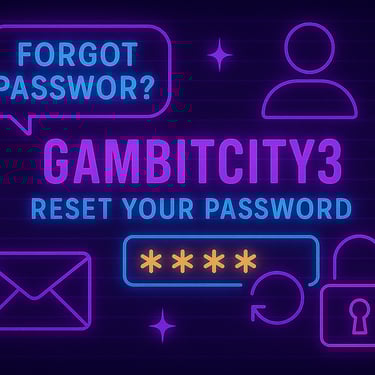
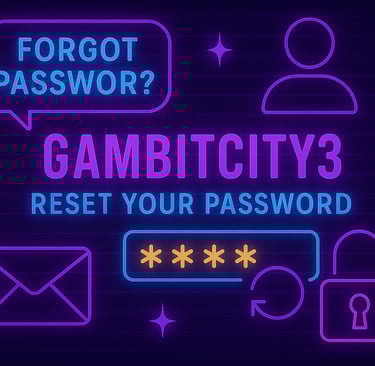
🔐 Forgot Your Password? Here’s How to Reset It at GAMBITCITY3
Leave Comment/ By D /April 30, 2025
🔁 Step 1: Go to the Login Page
Visit the GAMBITCITY3 homepage and click on the “LOGIN” button. You’ll be redirected to the login screen where you’ll find the “Forgot Password?” link.
📩 Step 2: Click “Forgot Password?”
Click the “Forgot Password?” option just below the login form. This will open a recovery form where you’ll be asked to enter your registered email or username associated with your GAMBITCITY3 account.
🛡️ Step 3: Verify & Reset
After submitting your details, follow the instructions sent to your email. You’ll be prompted to create a new secure password. Once confirmed, you can log in again and resume your gaming experience without missing a beat.
🧠 Pro Tips for Password Security:
Use a combination of uppercase, lowercase, numbers, and symbols
Avoid using the same password across different sites
Update your password regularly for added protection
🕒 Need Assistance?
If you encounter any issues during the reset process, our 24/7 support team is always here to help. Just reach out via live chat or email, and we’ll get you back into your account in no time.
✅ At GAMBITCITY3, your access—and your security—are always in good hands.
Get in touch
Let's Talk
info@gambitcity3.net
ALL RIGHTS RESERVED 2025